Fullscreen stuttering?

Technical support requests for Capitalism Lab
Post Reply
kaiserklay
Posts: 4
Joined: Sat May 21, 2016 7:20 pm

Fullscreen stuttering?

Post by kaiserklay »

So I'm trying to play Capitalism Lab on my PC and, when I try to play in fullscreen mode, the mouse, music, the game overall starts slowing down and stuttering uncontrollably. It technically runs, I'm even able to switch to windowed mode and it works fine like that. Any ideas?

I also, sometimes, receive this error message if the game feels like crashing in this state:
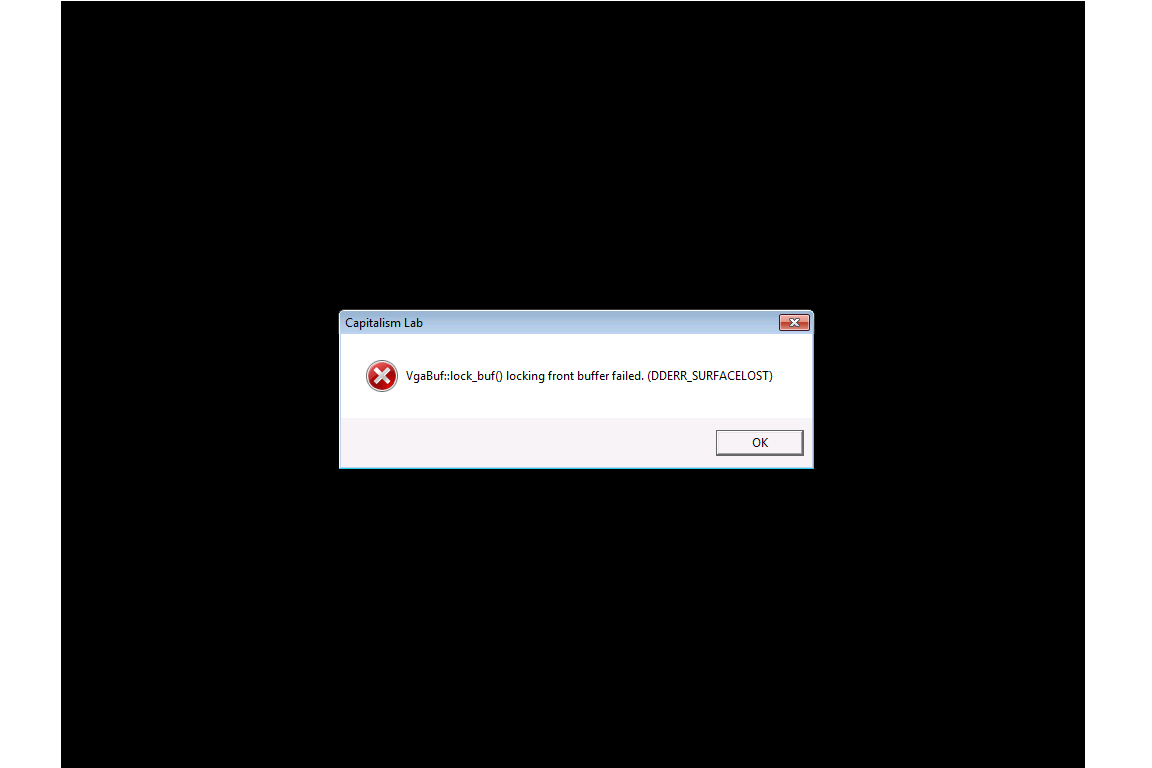
error message.png
error message.png (13.18 KiB) Viewed 3573 times

User avatar
David
Community and Marketing Manager at Enlight
Posts: 10969
Joined: Sat Jul 03, 2010 1:42 pm
Has thanked: 131 times
Been thanked: 409 times

Re: Fullscreen stuttering?

Post by David »

On the Capitalism Lab launcher, you will see the option “Force running in 1024x768 full screen mode.” (below the [Login] button). Please select that option before clicking on the [Login] button and see if it will run the game successfully.
kaiserklay
Posts: 4
Joined: Sat May 21, 2016 7:20 pm

Re: Fullscreen stuttering?

Post by kaiserklay »

No change I'm afraid.
User avatar
David
Community and Marketing Manager at Enlight
Posts: 10969
Joined: Sat Jul 03, 2010 1:42 pm
Has thanked: 131 times
Been thanked: 409 times

Re: Fullscreen stuttering?

Post by David »

We will investigate the problem.

Please send me your computer configuration file DxDiag.txt for investigation. You may produce the DxDiag.txt file by running the Command prompt from the Windows Start menu, then type “DxDiag” on the Command prompt.

When the DxDiag window is opened, click on the “Save All Information” button at the center bottom of the window. Then send over this file as an email attachment.

More detailed instructions for generating dxdiag file:

1. Click the Start button.
2. In the Search field, enter 'dxdiag'. The diagnostic tool will run.
3. Click to 'Save All Information' and save "dxdiag.txt" to your desktop.
4. Attach the "dxdiag.txt" document to your support email.
kaiserklay
Posts: 4
Joined: Sat May 21, 2016 7:20 pm

Re: Fullscreen stuttering?

Post by kaiserklay »

I have an update: after reinstalling Windows 10 I've found that the game works fine fullscreen, so I'm guessing that this issue is specific to Windows 7.
User avatar
David
Community and Marketing Manager at Enlight
Posts: 10969
Joined: Sat Jul 03, 2010 1:42 pm
Has thanked: 131 times
Been thanked: 409 times

Re: Fullscreen stuttering?

Post by David »

It could be due to video driver problems. When you reinstalled Windows 10, the new video drivers might fix the problem.
mucksen
Posts: 1
Joined: Fri Oct 07, 2016 4:41 pm

Re: Fullscreen stuttering?

Post by mucksen »

Ihave the same problem.
how i can fix this?
User avatar
David
Community and Marketing Manager at Enlight
Posts: 10969
Joined: Sat Jul 03, 2010 1:42 pm
Has thanked: 131 times
Been thanked: 409 times

Re: Fullscreen stuttering?

Post by David »

I would suggest that you update your nVidia graphics card driver and see if it will resolve the problem.

You may download the latest nVidia graphics card driver from:
http://www.nvidia.com/Download
Post Reply