Hello,
I am new to the beta, not sure if you are aware of the "desktop screen low resolution error". Version Beta 1.940
Steps to game crash error.
1) Set Desktop Resolution on Operating System to 1024x768
2) Start Game(Fresh Install) - Previously set to smallest full screen display
3) Set Game to Windowed at 1280X960
4) Hit apply and watch game crash
If you try to start game again it puts you into a loop of game crash error. See the attachment picture.
Setting your computer to a higher resolution allows game to boot, but if computer cannot display the loop would be endless until a fresh install.
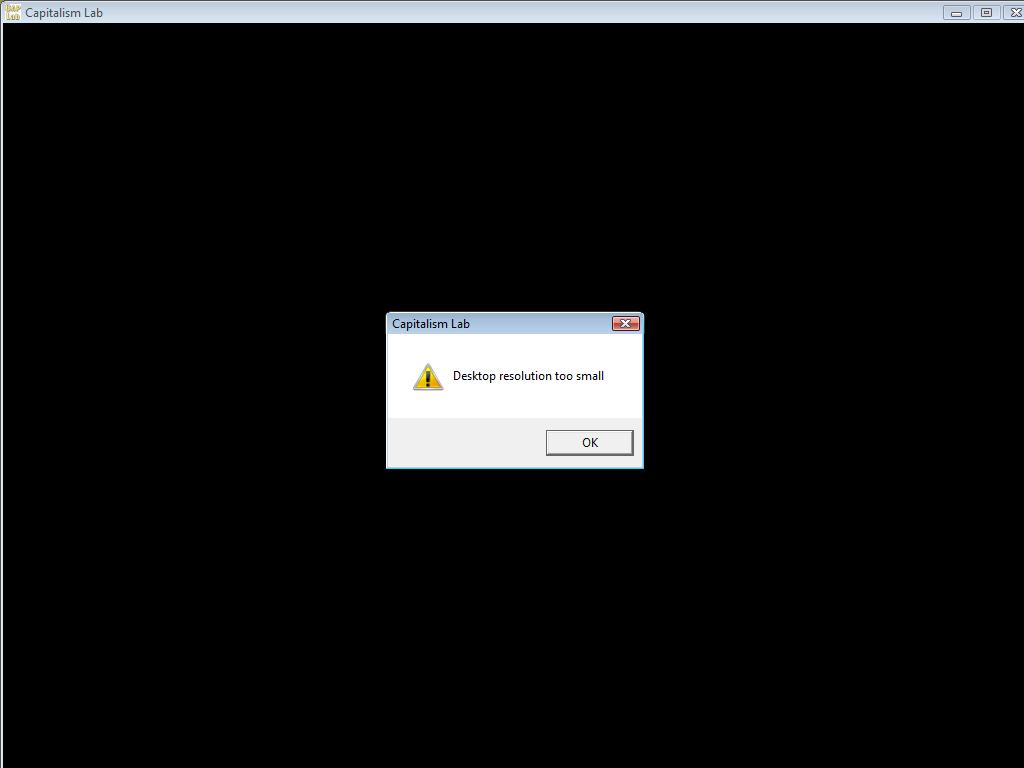
- Show Error Message of Desktop Screen Resolution too small
- DesktopScreenResTooLow.jpg (25.05 KiB) Viewed 1199 times
