by David » Mon Apr 20, 2026 2:23 am
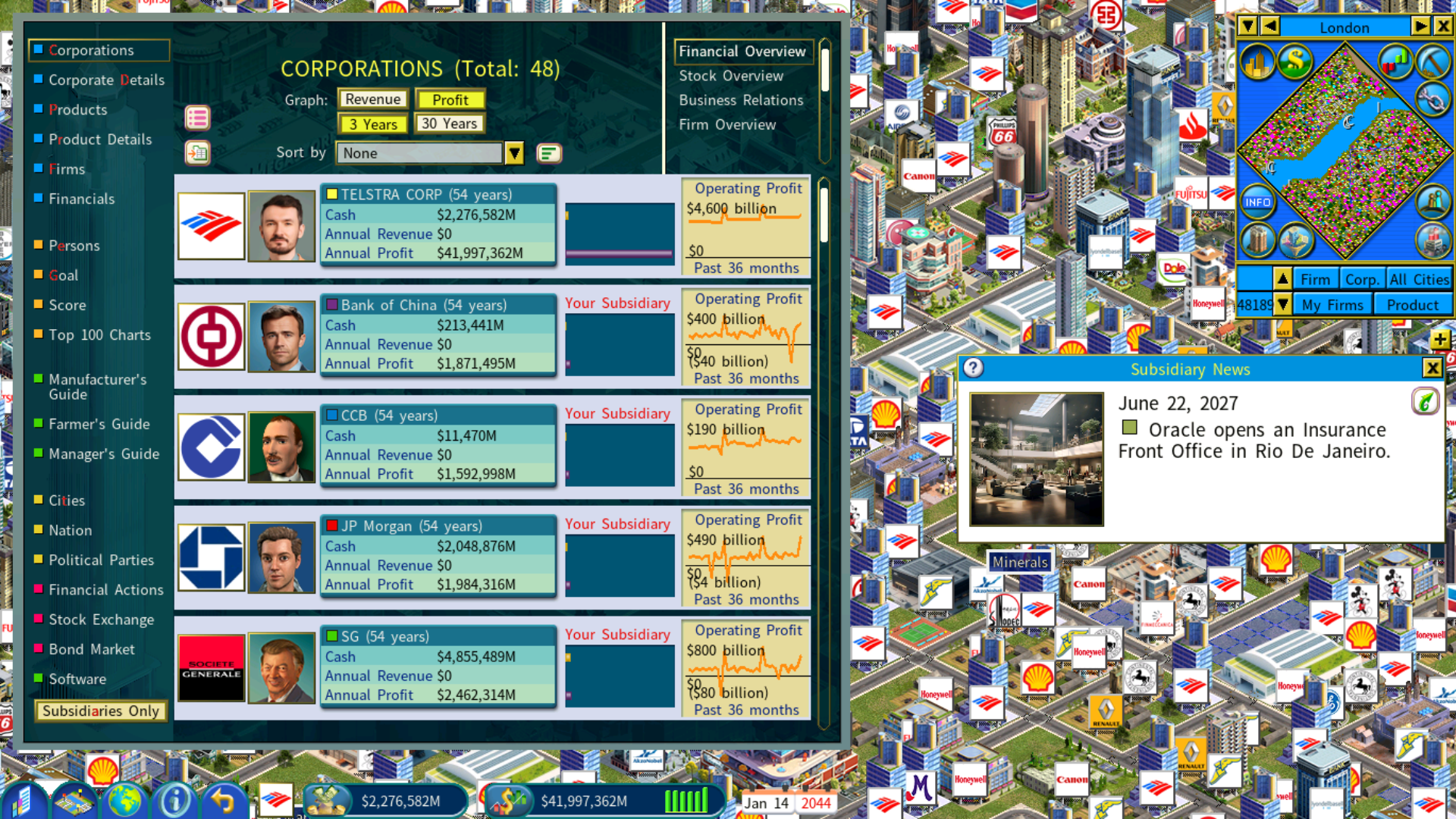
I was able to load your save game. FYI, please see the attached screenshot.
The dev team confirmed that the issue was due to insufficient memory as the 500% talent size setting in your game significantly increased the amount of memory it needed. In view of this, in the latest version patch 12.0.56, the maximum talent size has been reduced from 500% to 300%.
Since the talent size setting in your existing game cannot be changed, I suggest that you try restarting Windows and run the game right after the restart as a fresh Windows with more free memory may allow you to load the game.
- Attachments
-
- save-game.png (2.22 MiB) Viewed 3785 times
[quote=moneytheory post_id=46642 time=1776528494 user_id=108]
All Windows apps are closed. Here is the lnik for the save game. https://ufile.io/krsd6swl
[/quote]
I was able to load your save game. FYI, please see the attached screenshot.
The dev team confirmed that the issue was due to insufficient memory as the 500% talent size setting in your game significantly increased the amount of memory it needed. In view of this, in the latest version patch 12.0.56, the maximum talent size has been reduced from 500% to 300%.
Since the talent size setting in your existing game cannot be changed, I suggest that you try restarting Windows and run the game right after the restart as a fresh Windows with more free memory may allow you to load the game.
